
NewPipe APK: The Lightweight, Privacy-Friendly YouTube Experience in 2026
Description
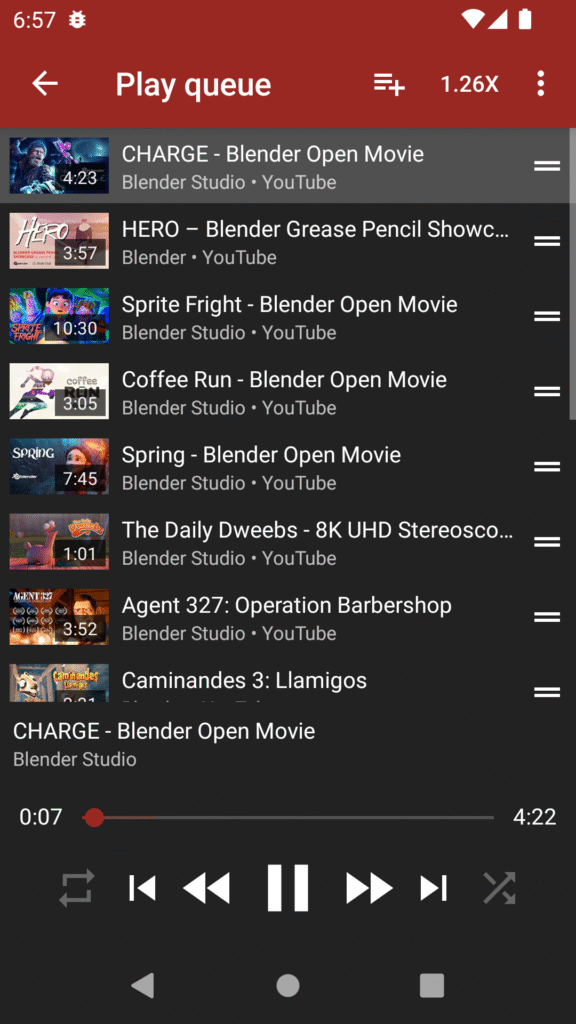
If you’ve ever wanted a simpler, cleaner, and altogether more private way to enjoy YouTube content on your Android phone, the NewPipe APK most likely appeared on your radar. For years, people have been looking for an application that would get rid of the annoying ads, reduce heavy data usage, and not track everything they watch. That’s where NewPipe steps in-a refreshing option that keeps things lean and respectful to one’s privacy.
In this post, I will be guiding you on what NewPipe APK is, why so many people love it, and how to install it. And don’t worry, this isn’t some sort of technology lecture. Consider this a friendly guide from someone who has used NewPipe long enough to appreciate what makes it special.
What is the NewPipe APK?
NewPipe is an open-source streaming app that offers a simple, minimal, and privacy-oriented way to watch YouTube videos without relying on Google’s services. Because it doesn’t use official YouTube APIs, it feels surprisingly light and doesn’t require signing in to a Google account.
The NewPipe APK is the downloadable file you use to install the application onto your Android device. Since NewPipe is not on the Play Store, an APK is the only way to download it.
Living in a world where each application wants a piece of your data and every update feels heavier than the one before, NewPipe is a breath of fresh air.
Why many users prefer NewPipe APK, here is why:
Now, let’s get into the features that make NewPipe stand out. These are not mere marketing buzzwords but real reasons people switch to it and seldom turn back.
1. Completely Ad-Free
No ads. None. Zero. No pre-rolls, no mid-rolls, no pop-ups. You get pure playback, uninterrupted.
If YouTube Ads have been testing your patience lately, you’ll immediately notice the difference.
2. Lightweight & Fast
NewPipe is tiny compared to the official YouTube app. It loads faster, runs smoother on older devices, and it doesn’t hog your battery or mobile data.
3. Privacy at Its Core
NewPipe doesn’t need
- A Google account
- Access to Google Play Services
- Any tracking permissions
Your watch history remains on your device, not on some server.
4. Background Play and Popup Player
Unlike the official YouTube app, which locks this behind a premium subscription, NewPipe allows you to:
- Listen to videos in the background
- Popup the video in a small floating window
Perfect for multitasking, or for listening to music and podcasts on-the-go.
5. Download Videos and Audio
With NewPipe, you can download the content directly onto your device; be that an entire video or just the audio from it, very convenient for offline use.
6. Customizable Interface
Dark mode, color schemes, resolution settings, gestures-it gives you full control over how the app looks and works.
How to Install the NewPipe APK Safely
Installing the APK is easy, but here’s a clean step-by-step process so you don’t run into issues:
- Download the latest NewPipe APK from the official source of the project. Always avoid suspicious third-party websites, which could modify the APK.
- Enable Install unknown apps in your Android Settings for your browser or file manager.
- Go to the Downloads folder and look for the APK you have just downloaded.
- Tap to install.
- Open NewPipe, set up as desired, and enjoy.
It takes less than a minute, and from there you’re good to go.
Why the NewPipe APK Isn’t on the Play Store
You might wonder why such a practical, loved app isn’t available officially. The short answer: YouTube’s terms of service.
Since NewPipe supports ad-free playback and downloading, the app cannot be listed on Google Play. Instead, it is distributed directly by the developers through their website. That’s why installing the APK is necessary, and it’s also why this app remains free from the commercial restrictions that shape many other apps.
For Whom is NewPipe?
- If any of these describe you, NewPipe could be your new favorite app:
- You want an ad-free experience on YouTube without paying for Premium.
- You have an older phone and want something lightweight.
- You care about privacy, and you prefer open-source software.
- You want background play and popup video without limitation.
- You watch videos offline and need easy downloading.
NewPipe isn’t just for power users. Casual viewers, too, appreciate how simple and clean it feels.
My Personal Experience with the NewPipe APK
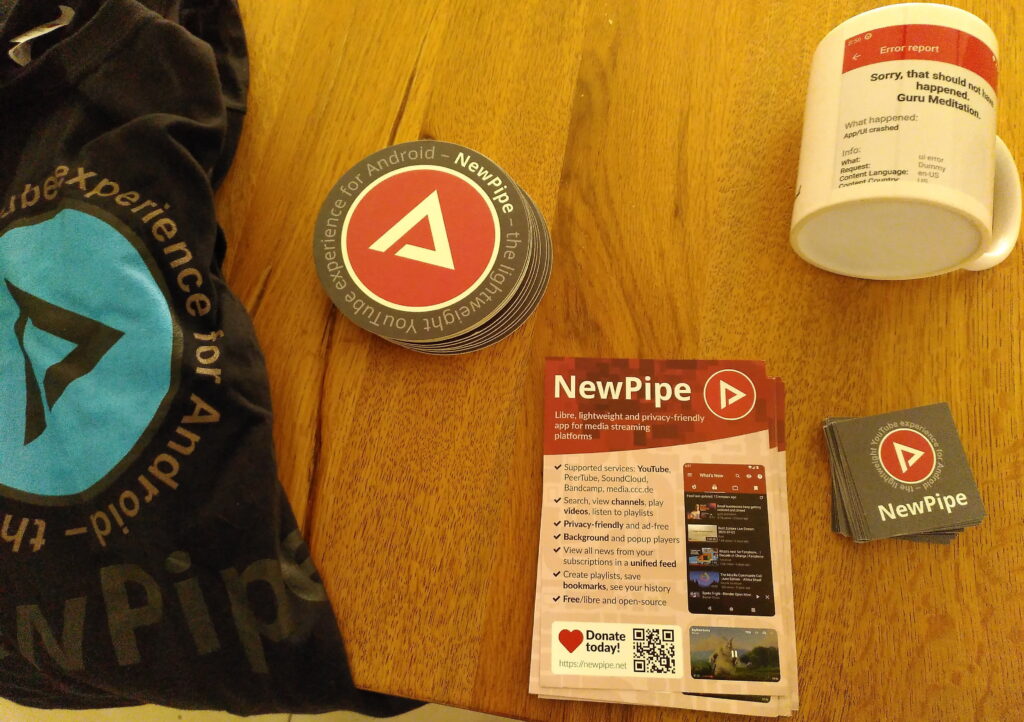
The first thing I noticed after switching to NewPipe was not just the absence of ads but how fast everything loaded: videos would open almost instantly, even on a mid-range phone. The layout feels familiar, yet much calmer without the clutter from recommendations and ads all over the place.
Being able to listen to videos while my screen is off makes long commutes way better, especially for podcasts or long interviews. And honestly, the privacy aspect gives me peace of mind. It’s nice to use an app that isn’t trying to guess what I want or collect everything about my viewing habits.
Is the NewPipe APK safe?
Since NewPipe is open-source, its code is publicly available and constantly reviewed by contributors. As long as you downloaded it from the official source, it’s safe. Avoid shady websites claiming to provide “modded” versions, as those are the real risks.
The NewPipe APK stands out: it respects the user-a trait that is becoming a rarity in today’s app landscape. It’s lightweight, privacy-friendly, and free of distractions ruining what can truly be called the ‘YouTube experience’. If you’re looking for a clean, smooth, and ad-free way to enjoy video content on Android, NewPipe is one of the best applications you can opt for. Just give it a try, and you may be astonished at how fast you’ll prefer using it over the official application.
Frequently asked questions(FAQs)
1. Is NewPipe free?
Yes, completely free. No subscriptions, no hidden fees.
2. Does NewPipe require a Google account?
No. You can use NewPipe fully without logging into anything.
3. Can I import my YouTube subscriptions?
Yes, NewPipe allows you to import subscription lists without logging in.
4. Does NewPipe support high resolutions?
Yes. You can watch videos in resolutions up to 4K, depending on the video itself.